Bulk edit Unity Ads bids and budgetsSelect, set, apply.
Select campaigns in the table and change their bid, daily budget or status together. You see how many changes will go out before anything is sent.

Unity's bulk spreadsheets cannot edit budgets.In Ramet one edit does both.
One edit,every row you picked.
Filter, then select
Search by name or ID, filter by status, goal or geo, then tick rows or select everything the filter finds, not only the page you see.
Bid, budget and status together
Pause, Start, Bids and Budget sit in one bar under the table. Change bids by a percent, set one value or set a value per geo, then do the same for budgets.
Across cabinets
Campaigns of different cabinets sit in one table, so a change for ten cabinets is still one edit.
Only what changed is sent
The dialog counts the changes it is about to send. Nothing goes to Unity until you press send.
Twelve rows picked,one edit ready.
- 3
- changes in one pass: bid, daily budget and status.
- 0
- spreadsheets to export, fill in and upload.
- 100%
- of edits read back from Unity before they count as done.
How it works In three steps.


Questionsabout this page.
Can I change budgets in bulk?
Yes. Bids, daily budgets and status are edited the same way, in one pass.
How do I know a change reached Unity?
Ramet reads each campaign back from Unity after the change and marks it verified in the activity log, with the author and the time.
Can a teammate edit my campaigns?
Only if they have access to the cabinet. On Team and Agency people see and change the cabinets they are given, and every change carries their name.
Also in RametFour more places to look.
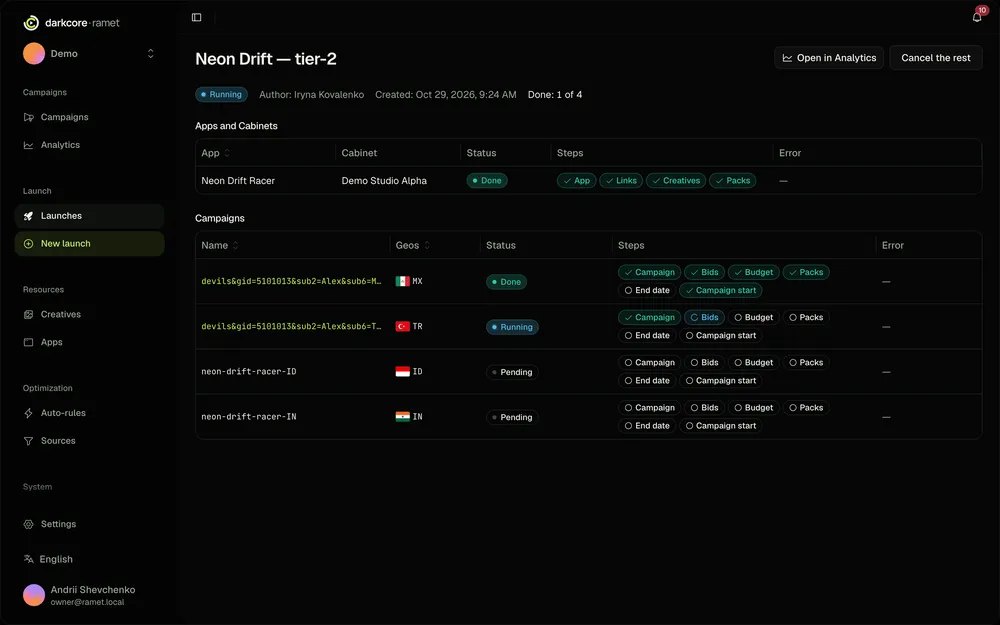
Bulk launch
Every app and geo of a bundle as a campaign, sent at the pace Unity allows.
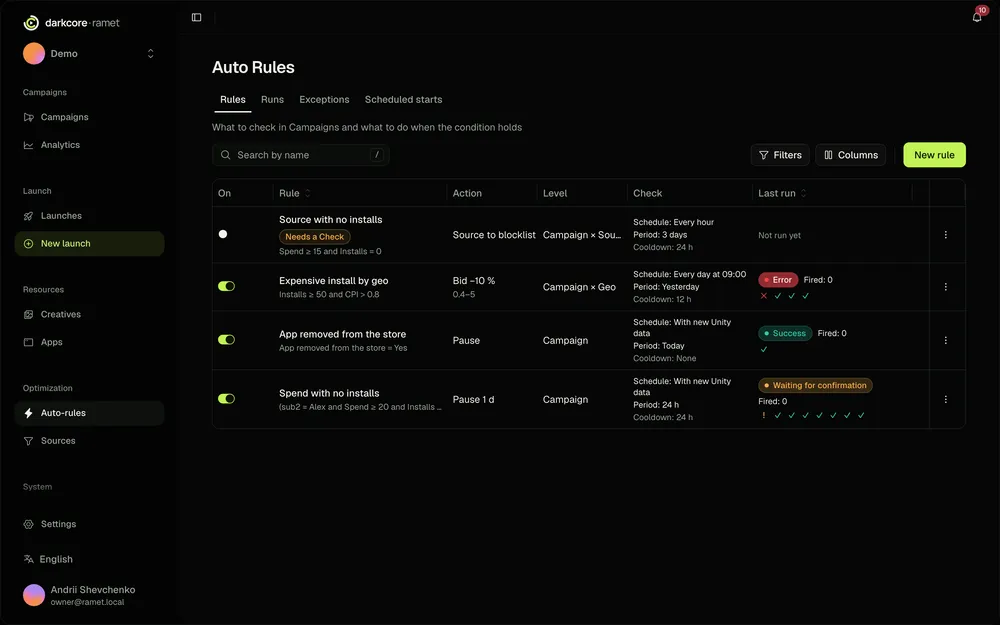
Auto-rules
Rules that pause a campaign, block a source app or lower a bid for you.
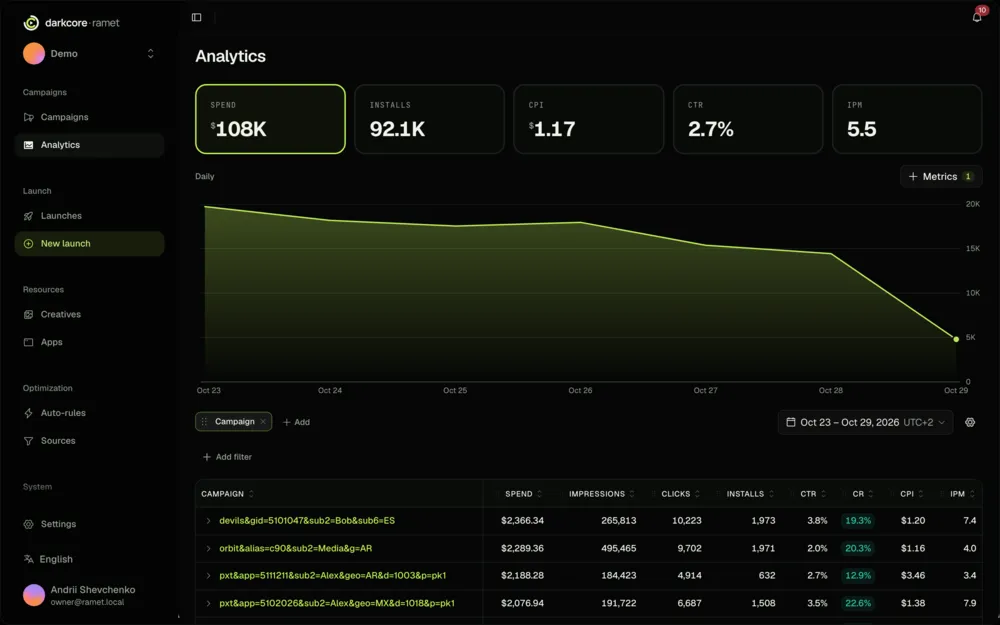
Analytics
Spend, installs and cost per deposit by campaign, geo, app and source.
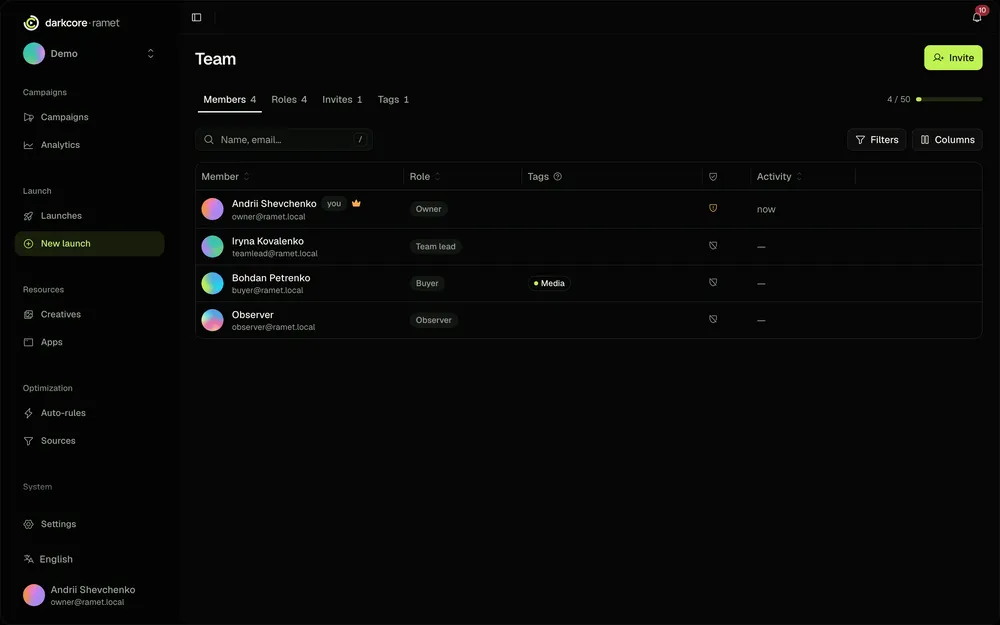
Teams
On Team and Agency: roles, access per cabinet and a name on every change.


Launch your next 36 campaigns today.
Connect a cabinet, pick a bundle, press launch. We are on Telegram if you get stuck.